本页还没有译文
本页 17 段还没译成简体中文,下面显示的是英文原文。Connecting to Metabase
还没翻译译自英文(supabase.com)本页 17 段都还没译
Metabase is an Open Source data visualization tool. You can use it to explore your data stored in Supabase.
-
Register
Create a Metabase account or deploy locally with Docker
Deploying with Docker:
docker pull metabase/metabase:latestThen run:
docker run -d -p 3000:3000 --name metabase metabase/metabaseThe server should be available at
http://localhost:3000/setup -
Connect to Postgres
Connect your Postgres server to Metabase.
- On your project dashboard, click Connect
- View parameters under "Session pooler"
Connection notice
If you're in an IPv6 environment or have the IPv4 Add-On, you can use the direct connection string instead of Supavisor in Session mode.
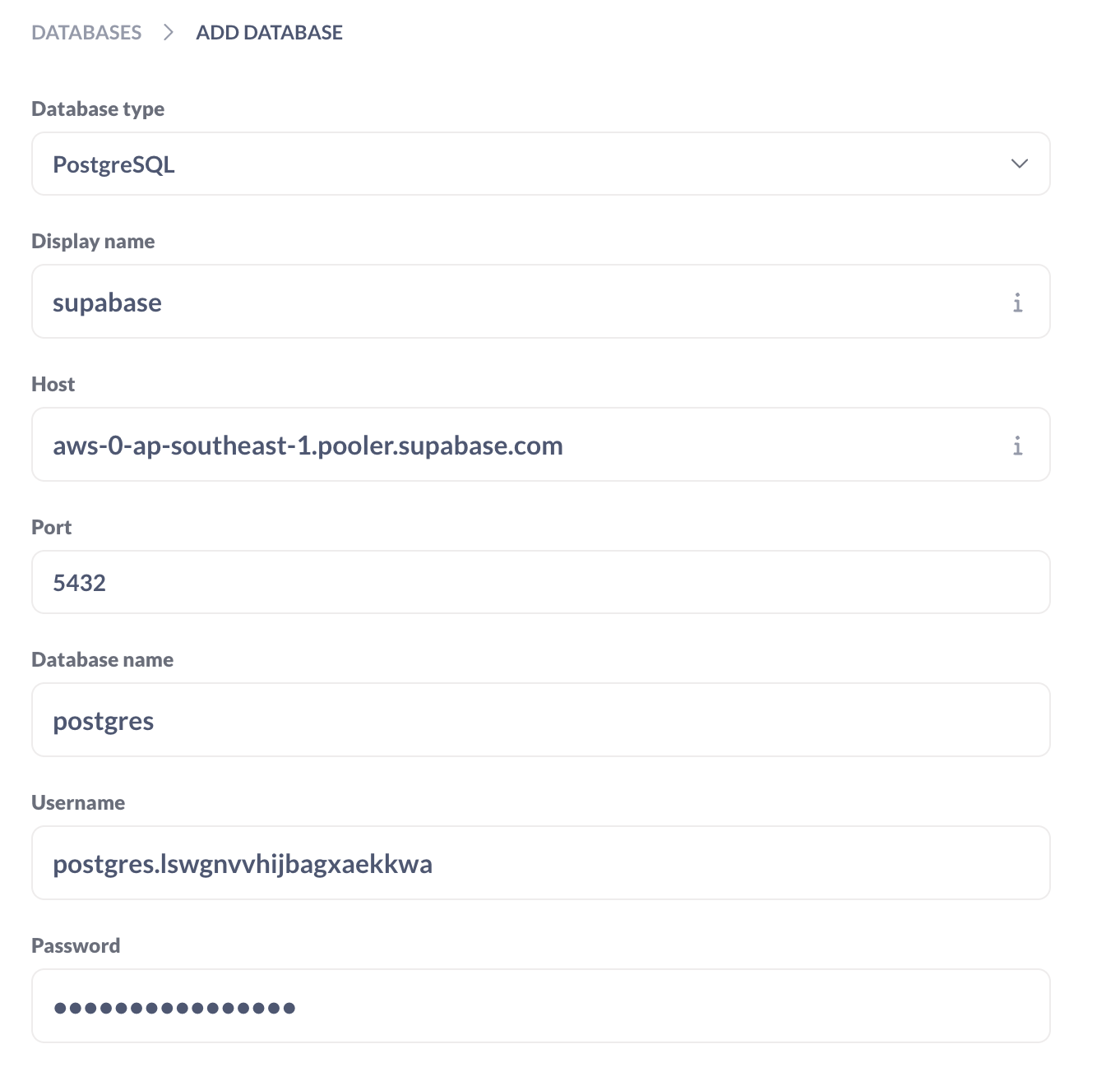
- Enter your database credentials into Metabase
Example credentials:
-
Explore
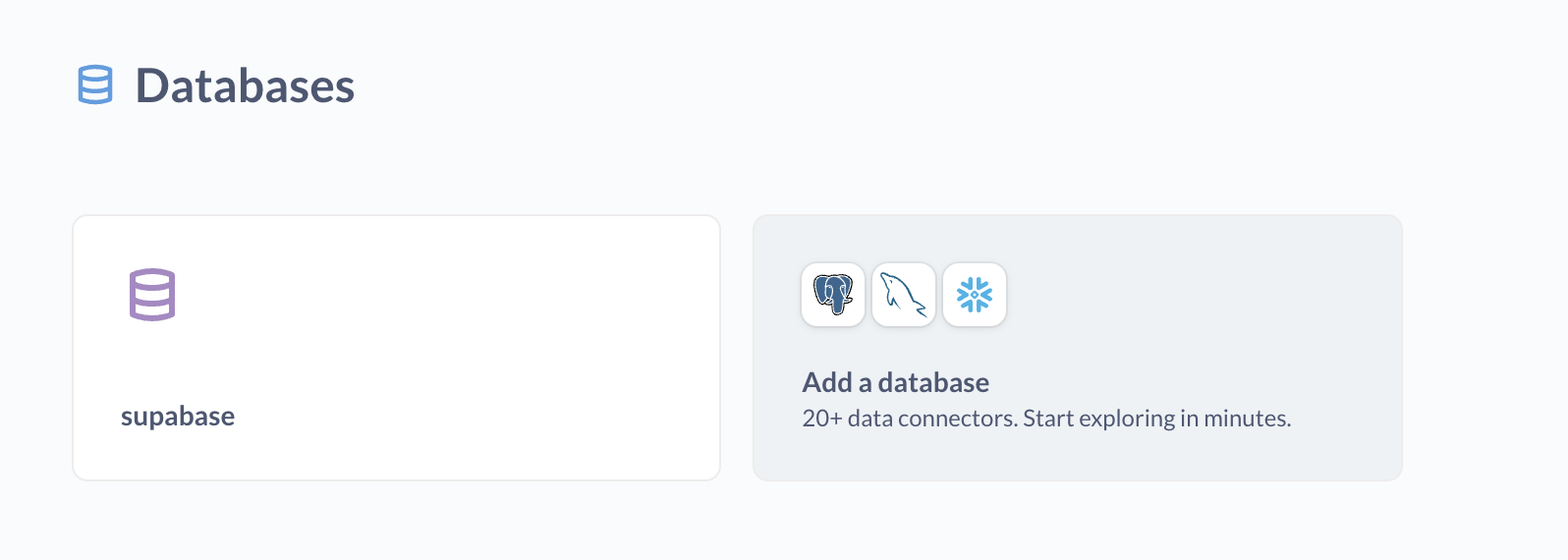
Explore your data in Metabase
AI 翻译查看英文原文