本页还没有译文
本页 14 段还没译成Español,下面显示的是英文原文。Error Handling
还没翻译译自英文(supabase.com)本页 14 段都还没译
Error handling
Implementing the right error responses and client-side handling helps with debugging and makes your functions much easier to maintain in production.
Within your Edge Functions, return proper HTTP status codes and error messages:
Deno.serve(async (req) => {
  try {
    // Your function logic here
    const result = await processRequest(req)
    return new Response(JSON.stringify(result), {
      headers: { 'Content-Type': 'application/json' },
      status: 200,
    })
  } catch (error) {
    console.error('Function error:', error)
    return new Response(JSON.stringify({ error: 'Internal Server Error' }), {
      headers: { 'Content-Type': 'application/json' },
      status: 500,
    })
  }
})
Best practices for function errors:
- Use the right HTTP status code for each situation. Return
400for bad user input, 404 when something doesn't exist, 500 for server errors, etc. This helps with debugging and lets client apps handle different error types appropriately. - Include helpful error messages in the response body
- Log errors to the console for debugging (visible in the Logs tab)
Client-side error handling
Within your client-side code, an Edge Function can throw three types of errors:
FunctionsHttpError: Your function executed but returned an error (4xx/5xx status)FunctionsRelayError: Network issue between client and SupabaseFunctionsFetchError: Function couldn't be reached at all
import { FunctionsFetchError, FunctionsHttpError, FunctionsRelayError } from '@supabase/supabase-js'

const { data, error } = await supabase.functions.invoke('hello', {
  headers: { 'my-custom-header': 'my-custom-header-value' },
  body: { foo: 'bar' },
})

if (error instanceof FunctionsHttpError) {
  const errorMessage = await error.context.json()
  console.log('Function returned an error', errorMessage)
} else if (error instanceof FunctionsRelayError) {
  console.log('Relay error:', error.message)
} else if (error instanceof FunctionsFetchError) {
  console.log('Fetch error:', error.message)
}
Make sure to handle the errors properly. Functions that fail silently are hard to debug, functions with clear error messages get fixed fast.
Error monitoring
You can see the production error logs in the Logs tab of your Supabase Dashboard.
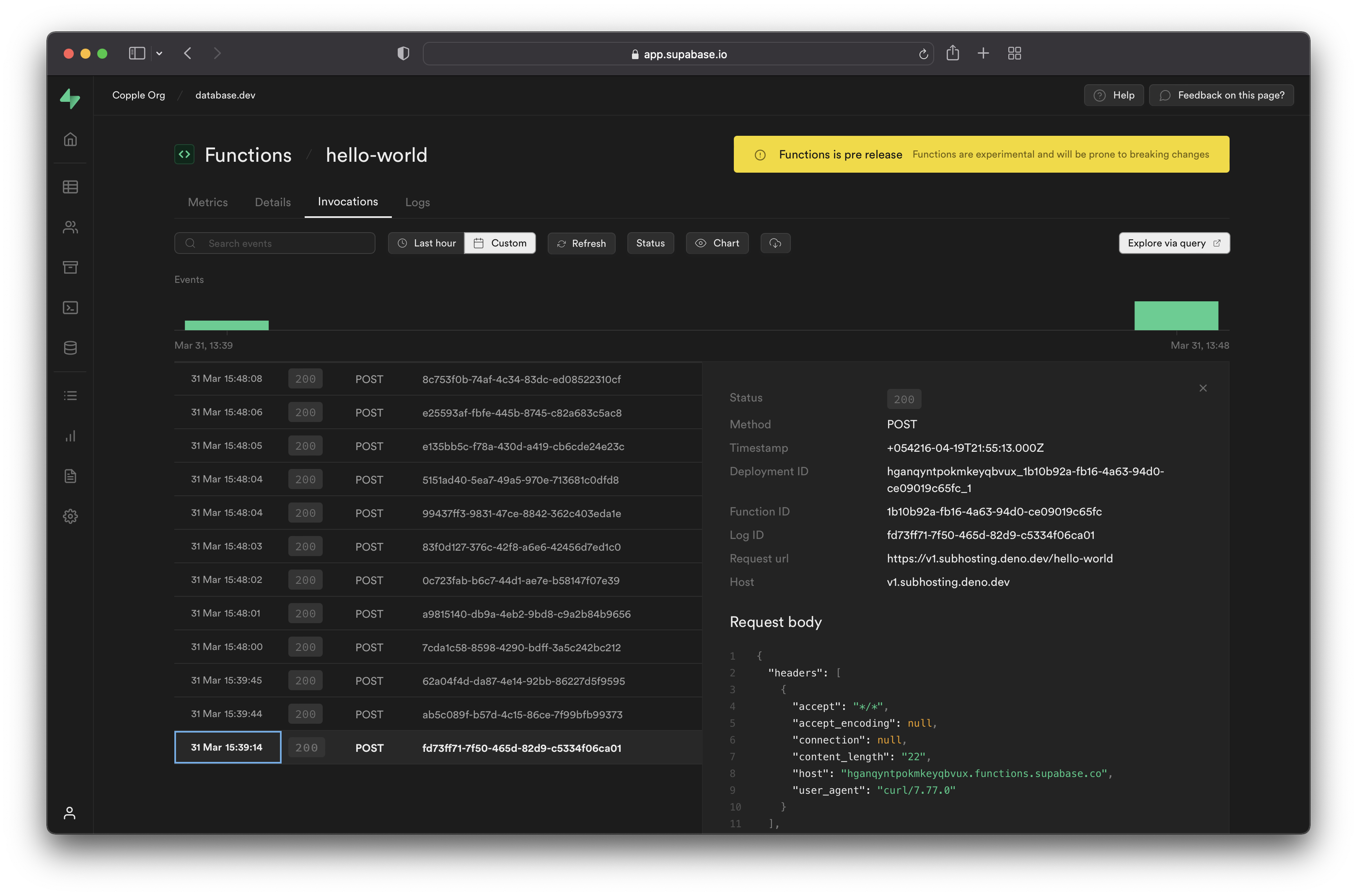
For more information on Logging, check out this guide.
AI 翻译查看英文原文