本页还没有译文
本页 8 段还没译成Español,下面显示的是英文原文。Connecting with PSQL
还没翻译译自英文(supabase.com)本页 8 段都还没译
psql is a command-line tool that comes with Postgres.
Connecting with SSL
You should connect to your database using SSL wherever possible, to prevent snooping and man-in-the-middle attacks.
You can obtain your connection info and Server root certificate from your application's dashboard:
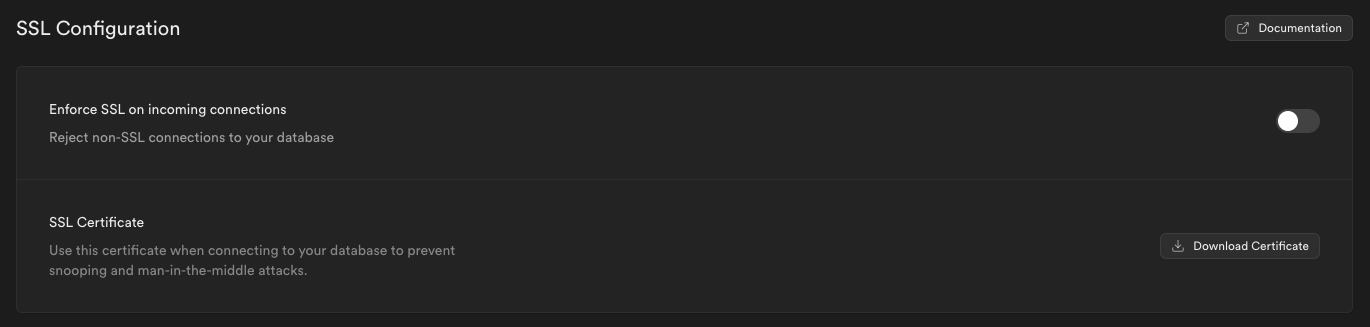
Download your SSL certificate from Database Settings to /path/to/prod-supabase.cer.
Find your connection settings. Go to the project Connect panel and copy the URL from the Session pooler section, and copy the parameters into the connection string:
psql "sslmode=verify-full sslrootcert=/path/to/prod-supabase.cer host=[CLOUD_PROVIDER]-0-[REGION].pooler.supabase.com dbname=postgres user=postgres.[PROJECT_REF]"AI 翻译查看英文原文