本页还没有译文
本页 60 段还没译成Español,下面显示的是英文原文。Sign in with GitLab
还没翻译译自英文(supabase.com)本页 60 段都还没译
To enable GitLab Auth for your project, you need to set up a GitLab OAuth application and add the application credentials to your Supabase Dashboard.
Overview
Setting up GitLab sign-in for your application consists of 3 parts:
- Create and configure a GitLab Application on GitLab
- Add your GitLab Application keys to your Supabase Project
- Add the sign-in code to your Supabase JS Client App
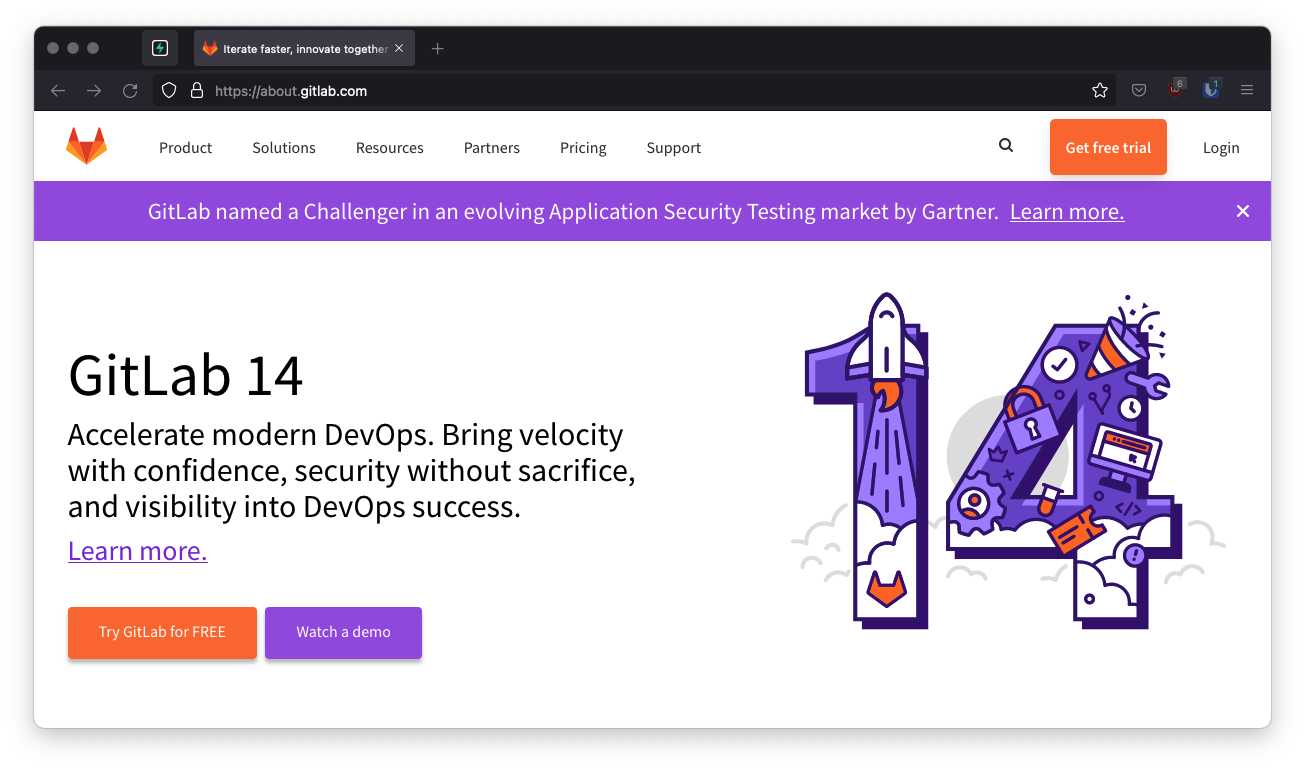
Access your GitLab account
- Go to gitlab.com.
- Click on
Loginat the top right to sign in.
Find your callback URL
The next step requires a callback URL, which looks like this: https://<project-ref>.supabase.co/auth/v1/callback
- Go to your Supabase Project Dashboard
- Click on the
Authenticationicon in the left sidebar - Click on
Sign In / Providersunder the Configuration section - Click on GitLab from the accordion list to expand and you'll find your Callback URL, you can click
Copyto copy it to the clipboard
Local development
When testing OAuth locally with the Supabase CLI, ensure your OAuth provider is configured with the local Supabase Auth callback URL:
http://localhost:54321/auth/v1/callback
If this callback URL is missing or misconfigured, OAuth sign-in may fail or not redirect correctly during local development.
See the local development docs for more details.
For testing OAuth locally with the Supabase CLI see the local development docs.
Create your GitLab application
- Click on your
profile logo(avatar) in the top-right corner. - Select
Edit profile. - In the left sidebar, select Applications.
- Enter the name of the application.
- In the
Redirect URIbox, type the callback URL of your app. - Check the box next to
Confidential(make sure it is checked). - Check the scope named
read_user(this is the only required scope). - Click
Save Applicationat the bottom. - Copy and save your
Application ID(client_id) andSecret(client_secret) which you'll need later.
Add your GitLab credentials into your Supabase project
- Go to your Supabase Project Dashboard
- In the left sidebar, click the
Authenticationicon (near the top) - Click on
Providersunder the Configuration section - Click on GitLab from the accordion list to expand and turn GitLab Enabled to ON
- Enter your GitLab Client ID and GitLab Client Secret saved in the previous step
- Click
Save
Add sign-in code to your client app
Note
Make sure you're using the right supabase client in the following code.
If you're not using Server-Side Rendering or cookie-based Auth, you can directly use the createClient from @supabase/supabase-js. If you're using Server-Side Rendering, see the Server-Side Auth guide for instructions on creating your Supabase client.
When your user signs in, call signInWithOAuth() with gitlab as the provider:
import { createClient } from '@supabase/supabase-js'

const supabase = createClient('https://your-project-id.supabase.co', 'sb_publishable_...')

// ---cut---
async function signInWithGitLab() {
  const { data, error } = await supabase.auth.signInWithOAuth({
    provider: 'gitlab',
  })
}
When your user signs in, call signInWithOAuth() with gitlab as the provider:
Future<void> signInWithGitLab() async {
  await supabase.auth.signInWithOAuth(
    OAuthProvider.gitlab,
    redirectTo: kIsWeb ? null : 'my.scheme://my-host', // Optionally set the redirect link to bring back the user via deeplink.
    authScreenLaunchMode:
        kIsWeb ? LaunchMode.platformDefault : LaunchMode.externalApplication, // Launch the auth screen in a new webview on mobile.
  );
}
When your user signs in, call signInWith(Provider) with Gitlab as the Provider:
suspend fun signInWithGitLab() {
	supabase.auth.signInWith(Gitlab)
}
When your user signs in, call SignIn() with Provider.Gitlab as the provider:
var state = await supabase.Auth.SignIn(Provider.Gitlab);
var signInUrl = state.Uri;
For a PKCE flow, for example in Server-Side Auth, you need an extra step to handle the code exchange. When calling signInWithOAuth, provide a redirectTo URL which points to a callback route. This redirect URL should be added to your redirect allow list.
In the browser, signInWithOAuth automatically redirects to the OAuth provider's authentication endpoint, which then redirects to your endpoint.
import { createClient, type Provider } from '@supabase/supabase-js';
const supabase = createClient('https://your-project-id.supabase.co', 'sb_publishable_...')
const provider = 'provider' as Provider

// ---cut---
await supabase.auth.signInWithOAuth({
  provider,
  options: {
    redirectTo: `http://example.com/auth/callback`,
  },
})
In the server, you need to handle the redirect to the OAuth provider's authentication endpoint. The signInWithOAuth method returns the endpoint URL, which you can redirect to.
Caution
Use a server client from @supabase/ssr, and send its cookies with the redirect. signInWithOAuth stores the PKCE code verifier in a cookie. When that Set-Cookie header doesn't reach the browser, the callback can't exchange the code for a session.
import { createServerClient, parseCookieHeader, serializeCookieHeader } from '@supabase/ssr'
import type { Provider } from '@supabase/supabase-js'

// A route handler that receives the incoming Request
async function handler(request: Request) {
  const headers = new Headers()
  const provider = 'provider' as Provider

  const supabase = createServerClient('https://your-project-id.supabase.co', 'sb_publishable_...', {
    cookies: {
      getAll() {
        return parseCookieHeader(request.headers.get('Cookie') ?? '') as {
          name: string
          value: string
        }[]
      },
      setAll(cookiesToSet, cacheHeaders) {
        cookiesToSet.forEach(({ name, value, options }) =>
          headers.append('Set-Cookie', serializeCookieHeader(name, value, options))
        )
        Object.entries(cacheHeaders).forEach(([key, value]) => headers.set(key, value))
      },
    },
  })

  const { data, error } = await supabase.auth.signInWithOAuth({
    provider,
    options: {
      redirectTo: 'http://example.com/auth/callback',
    },
  })

  if (error) {
    throw error
  }

  // Redirect with `headers` so the browser stores the code verifier cookie.
  // Frameworks usually wrap this, for example `redirect(data.url, { headers })` in Remix.
  headers.set('Location', data.url)
  return new Response(null, { status: 303, headers })
}
When your framework sets cookies on the response for you, such as cookies() in Next.js or event.cookies in SvelteKit, write to that API in setAll instead. The cookie is then already on the response, and the redirect needs no extra headers.
At the callback endpoint, handle the code exchange to save the user session.
Create a new file at app/auth/callback/route.ts and populate with the following:
import { NextResponse } from 'next/server'

// The client you created from the Server-Side Auth instructions
import { createClient } from '@/utils/supabase/server'

export async function GET(request: Request) {
  const { searchParams, origin } = new URL(request.url)
  const code = searchParams.get('code')
  // if "next" is in param, use it as the redirect URL
  let next = searchParams.get('next') ?? '/'
  if (!next.startsWith('/')) {
    // if "next" is not a relative URL, use the default
    next = '/'
  }

  if (code) {
    const supabase = await createClient()
    const { error } = await supabase.auth.exchangeCodeForSession(code)
    if (!error) {
      const forwardedHost = request.headers.get('x-forwarded-host') // original origin before load balancer
      const isLocalEnv = process.env.NODE_ENV === 'development'
      if (isLocalEnv) {
        // we can be sure that there is no load balancer in between, so no need to watch for X-Forwarded-Host
        return NextResponse.redirect(`${origin}${next}`)
      } else if (forwardedHost) {
        return NextResponse.redirect(`https://${forwardedHost}${next}`)
      } else {
        return NextResponse.redirect(`${origin}${next}`)
      }
    }
  }

  // return the user to an error page with instructions
  return NextResponse.redirect(`${origin}/auth/auth-code-error`)
}
Create a new file at src/routes/auth/callback/+server.js and populate with the following:
import { redirect } from '@sveltejs/kit'

export const GET = async (event) => {
  const {
    url,
    locals: { supabase },
  } = event
  const code = url.searchParams.get('code')
  const next = url.searchParams.get('next') ?? '/'

  if (code) {
    const { error } = await supabase.auth.exchangeCodeForSession(code)
    if (!error) {
      redirect(303, `/${next.slice(1)}`)
    }
  }

  // return the user to an error page with instructions
  redirect(303, '/auth/auth-code-error')
}
Create a new file at src/pages/auth/callback.ts and populate with the following:
import { createServerClient, parseCookieHeader } from '@supabase/ssr'
import { type APIRoute } from 'astro'

export const GET: APIRoute = async ({ request, cookies, redirect }) => {
  const requestUrl = new URL(request.url)
  const code = requestUrl.searchParams.get('code')
  const next = requestUrl.searchParams.get('next') || '/'

  if (code) {
    const supabase = createServerClient(
      import.meta.env.PUBLIC_SUPABASE_URL,
      import.meta.env.PUBLIC_SUPABASE_PUBLISHABLE_KEY,
      {
        cookies: {
          getAll() {
            return parseCookieHeader(Astro.request.headers.get('Cookie') ?? '')
          },
          setAll(cookiesToSet, _headers) {
            cookiesToSet.forEach(({ name, value, options }) =>
              Astro.cookies.set(name, value, options)
            )
          },
        },
      }
    )

    const { error } = await supabase.auth.exchangeCodeForSession(code)

    if (!error) {
      return redirect(next)
    }
  }

  // return the user to an error page with instructions
  return redirect('/auth/auth-code-error')
}
Create a new file at app/routes/auth.callback.tsx and populate with the following:
import { redirect, type LoaderFunctionArgs } from '@remix-run/node'
import { createServerClient, parseCookieHeader, serializeCookieHeader } from '@supabase/ssr'

export async function loader({ request }: LoaderFunctionArgs) {
  const requestUrl = new URL(request.url)
  const code = requestUrl.searchParams.get('code')
  const next = requestUrl.searchParams.get('next') || '/'
  const responseHeaders = new Headers()

  if (code) {
    const supabase = createServerClient(
      process.env.SUPABASE_URL!,
      process.env.SUPABASE_PUBLISHABLE_KEY!,
      {
        cookies: {
          getAll() {
            return parseCookieHeader(request.headers.get('Cookie') ?? '')
          },
          setAll(cookiesToSet, cacheHeaders) {
            cookiesToSet.forEach(({ name, value, options }) =>
              responseHeaders.append('Set-Cookie', serializeCookieHeader(name, value, options))
            )
            Object.entries(cacheHeaders).forEach(([key, value]) => responseHeaders.set(key, value))
          },
        },
      }
    )

    const { error } = await supabase.auth.exchangeCodeForSession(code)

    if (!error) {
      return redirect(next, { headers: responseHeaders })
    }
  }

  // return the user to an error page with instructions
  return redirect('/auth/auth-code-error', { headers: responseHeaders })
}
Create a new route in your express app and populate with the following:
...
app.get("/auth/callback", async function (req, res) {
  const code = req.query.code
  const next = req.query.next ?? "/"

  if (code) {
    const supabase = createServerClient(
      process.env.SUPABASE_URL,
      process.env.SUPABASE_PUBLISHABLE_KEY, {
    cookies: {
      getAll() {
        return parseCookieHeader(req.headers.cookie ?? '')
      },
      setAll(cookiesToSet, headers) {
        cookiesToSet.forEach(({ name, value, options }) =>
          res.appendHeader('Set-Cookie', serializeCookieHeader(name, value, options))
        )
        Object.entries(headers).forEach(([key, value]) =>
          res.setHeader(key, value)
        )
      },
    },
  })
    await supabase.auth.exchangeCodeForSession(code)
  }

  res.redirect(303, `/${next.slice(1)}`)
})When your user signs out, call signOut() to remove them from the browser session and any objects from localStorage:
import { createClient } from '@supabase/supabase-js'

const supabase = createClient('https://your-project-id.supabase.co', 'sb_publishable_...')

// ---cut---
async function signOut() {
  const { error } = await supabase.auth.signOut()
}
When your user signs out, call signOut() to remove them from the browser session and any objects from localStorage:
Future<void> signOut() async {
  await supabase.auth.signOut();
}
When your user signs out, call signOut() to remove them from the browser session and any objects from localStorage:
suspend fun signOut() {
	supabase.auth.signOut()
}
When your user signs out, call SignOut() to remove them from the browser session and any objects from local storage:
await supabase.Auth.SignOut();