本页还没有译文
本页 43 段还没译成简体中文,下面显示的是英文原文。Slack Integration with Langfuse
还没翻译译自英文(langfuse.com)本页 43 段都还没译
Slack Integration
Send Langfuse notifications to Slack so your team can see prompt changes and alerts in the channels where you already coordinate releases, incidents, and product updates.
What the Slack app does
The Langfuse Slack app posts selected Langfuse events into Slack channels. Teams use it to keep prompt changes visible during development and to route alerts into operational channels.
You need a Langfuse account and project to use the Slack integration. Slack notifications are configured per Langfuse project.
- Prompt notifications: Get notified when prompt versions are created, updated, or deleted. Use this to review production prompt changes, coordinate releases, and audit prompt lifecycle events.
- Alerts: Send threshold breach and recovery notifications for your Langfuse alerts to Slack. Use this to surface latency, cost, score, or quality changes before they affect users.
Get started
Open the Slack integration
Navigate to your Langfuse project settings, open the Integrations section, and choose Slack.

Connect Slack
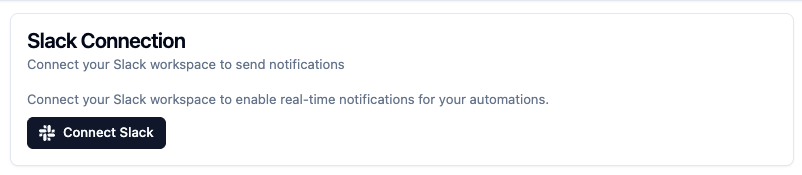
Click Connect Slack to start the Slack OAuth flow.
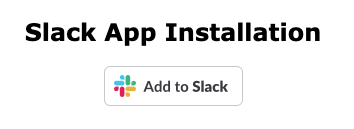
Add Langfuse to Slack
Click Add to Slack to continue to the Slack permissions screen.
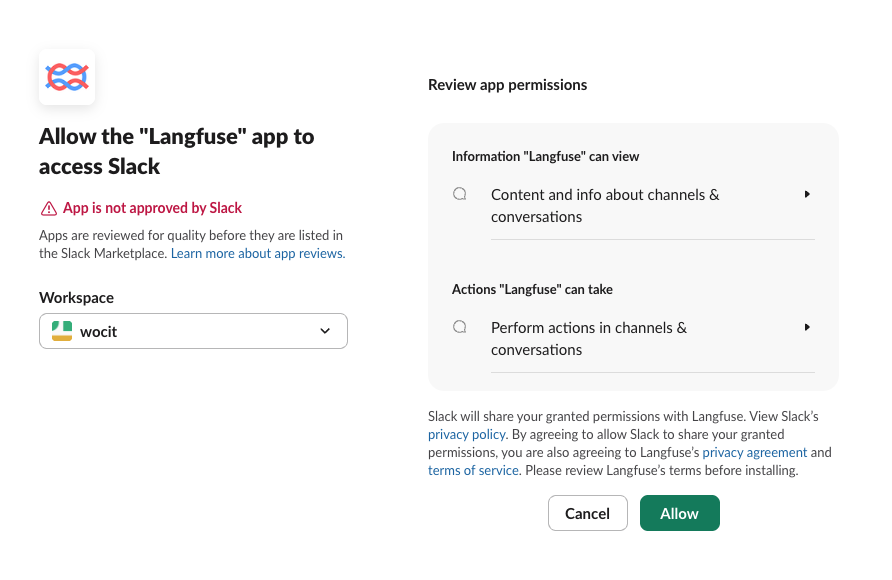
Authorize Langfuse in Slack
Authorize Langfuse for your Slack workspace.
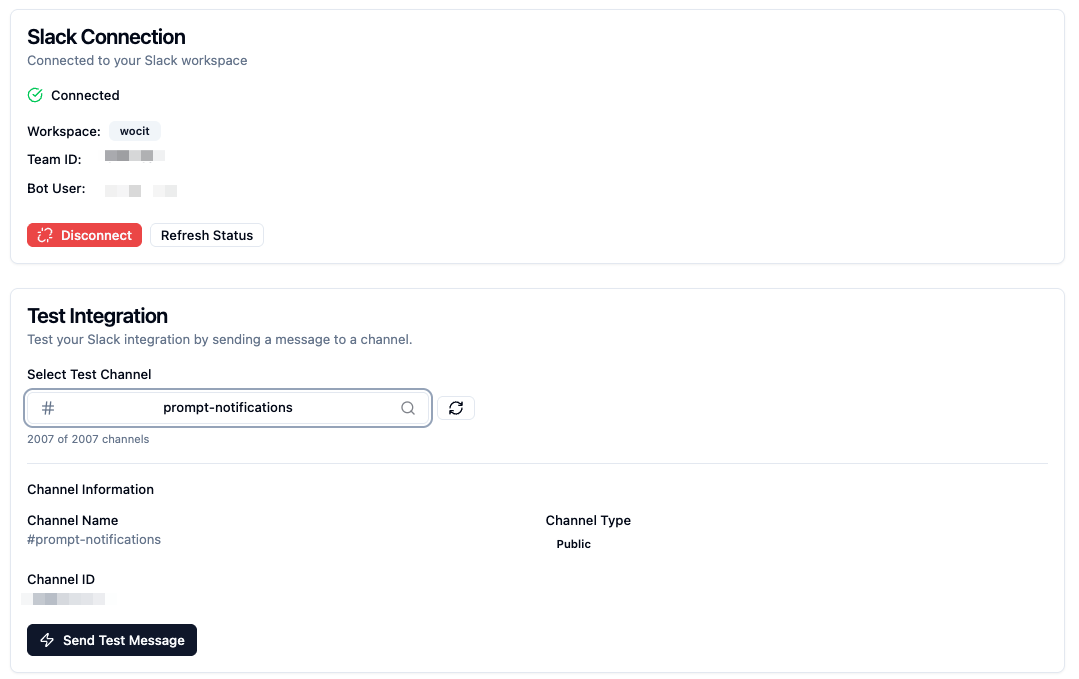
After installation, Langfuse redirects you back to the app.
Test the integration
Select a Slack channel and send a test message to confirm that Langfuse can post to your workspace.
Configure notifications
Choose what Langfuse should send to Slack:
- Configure prompt update notifications for prompt version creation, updates, deletion, labels, and tags.
- Configure alert notifications for warning, alert, recovery, and re-notification events.