本页还没有译文
本页 27 段还没译成日本語,下面显示的是英文原文。Scores via UI
还没翻译译自英文(langfuse.com)本页 27 段都还没译
Manual Scores via UI
Adding scores via the UI is a manual evaluation method. It is used to collaboratively annotate traces, sessions and observations with evaluation scores.
Note
You can also use Annotation Queues to streamline working through reviewing larger batches of traces, sessions and observations.
Why manually adding scores via UI?
- Allow multiple team members to manually review data and improve accuracy through diverse expertise.
- Standardized score configurations and criteria ensure consistent data labeling across different workflows and scoring types.
- Human baselines provide a reference point for benchmarking other scores and curating high-quality datasets from production logs.
Set up step-by-step
Create a Score Config
To add scores in the UI, you need to have at least one Score Config set up. See how to create and manage Score Configs for details.
Add Scores
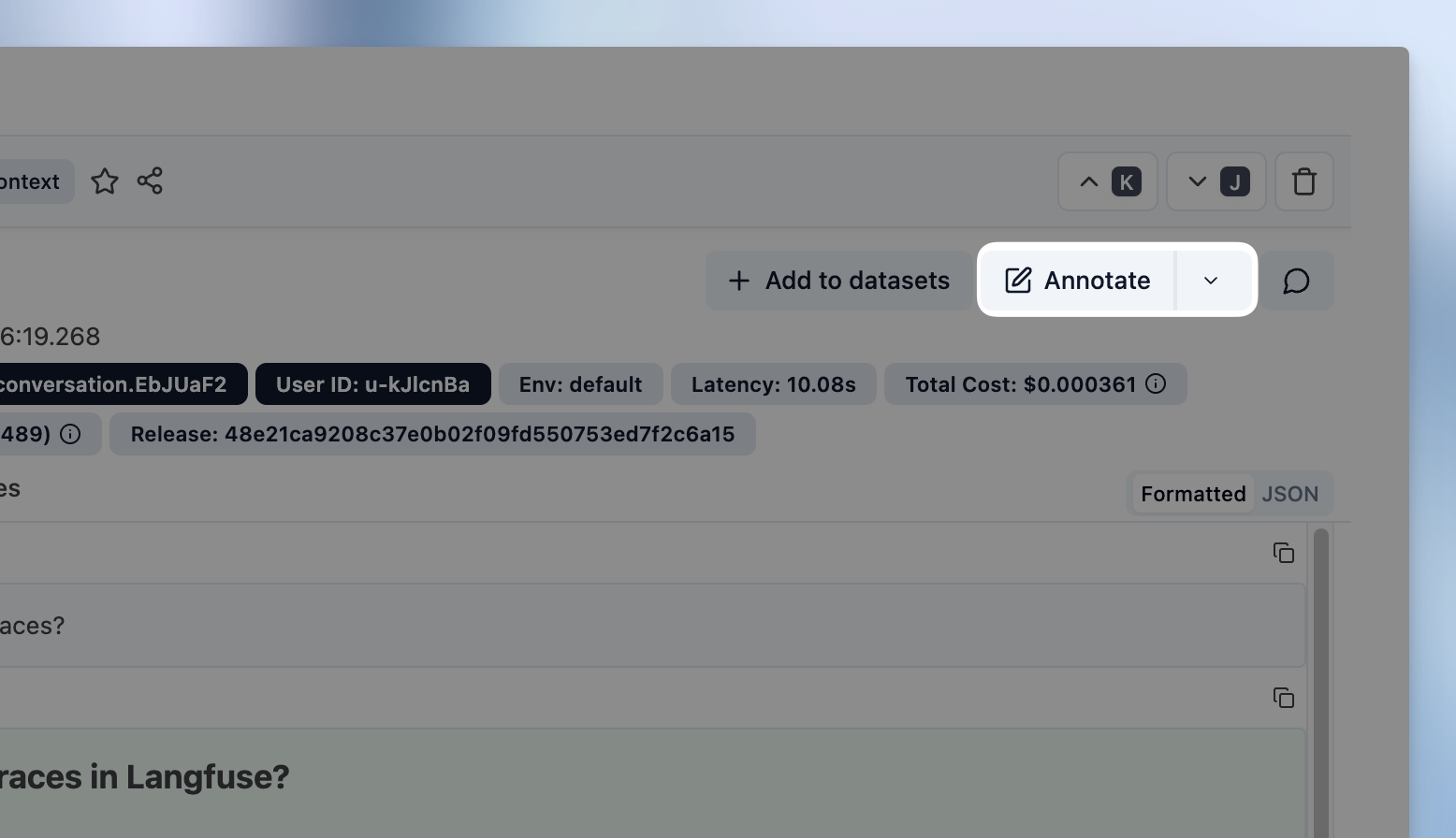
On a Trace, Session or Observation detail view click on Annotate to open the annotation form.
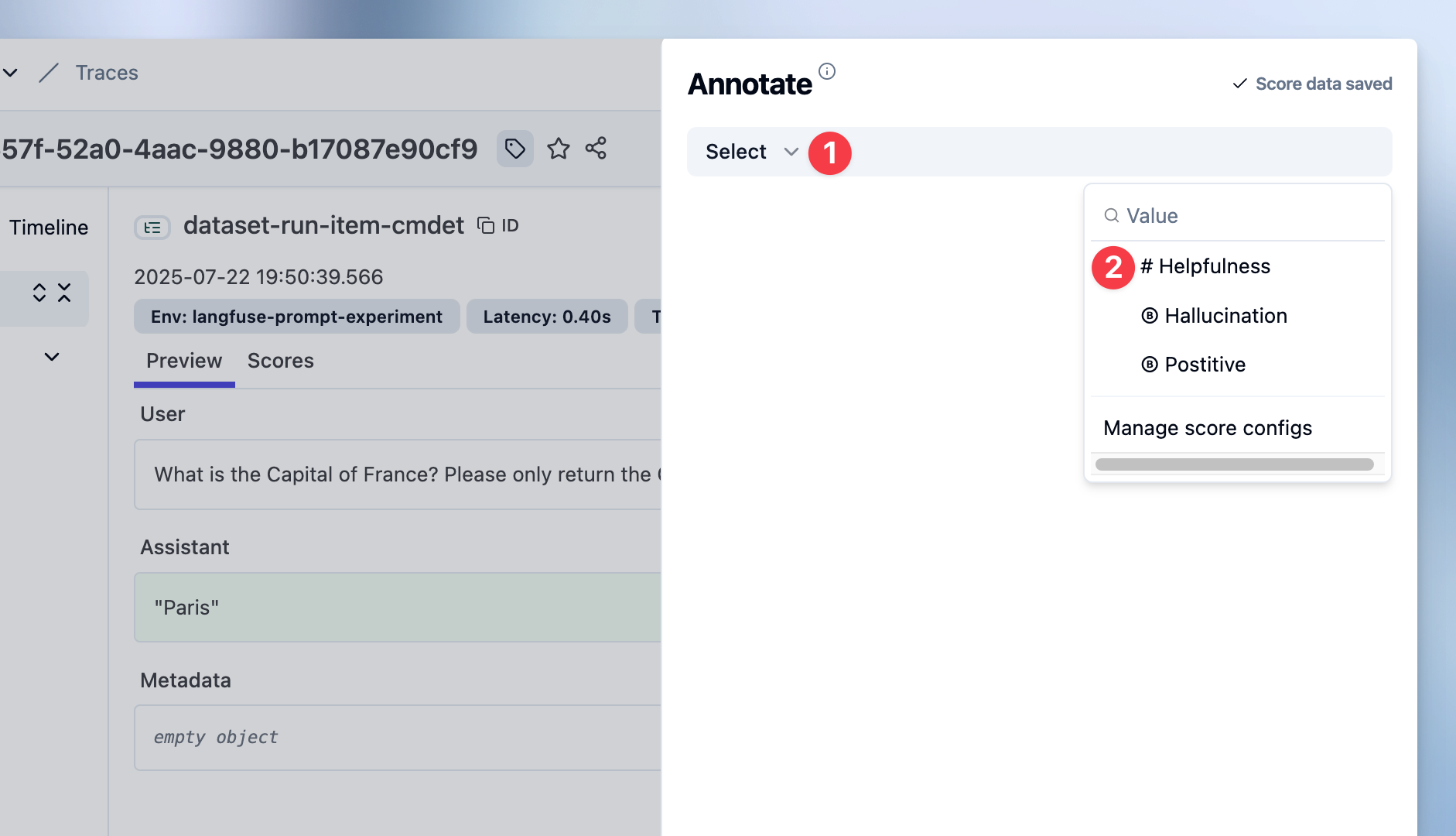
Select Score Configs to use
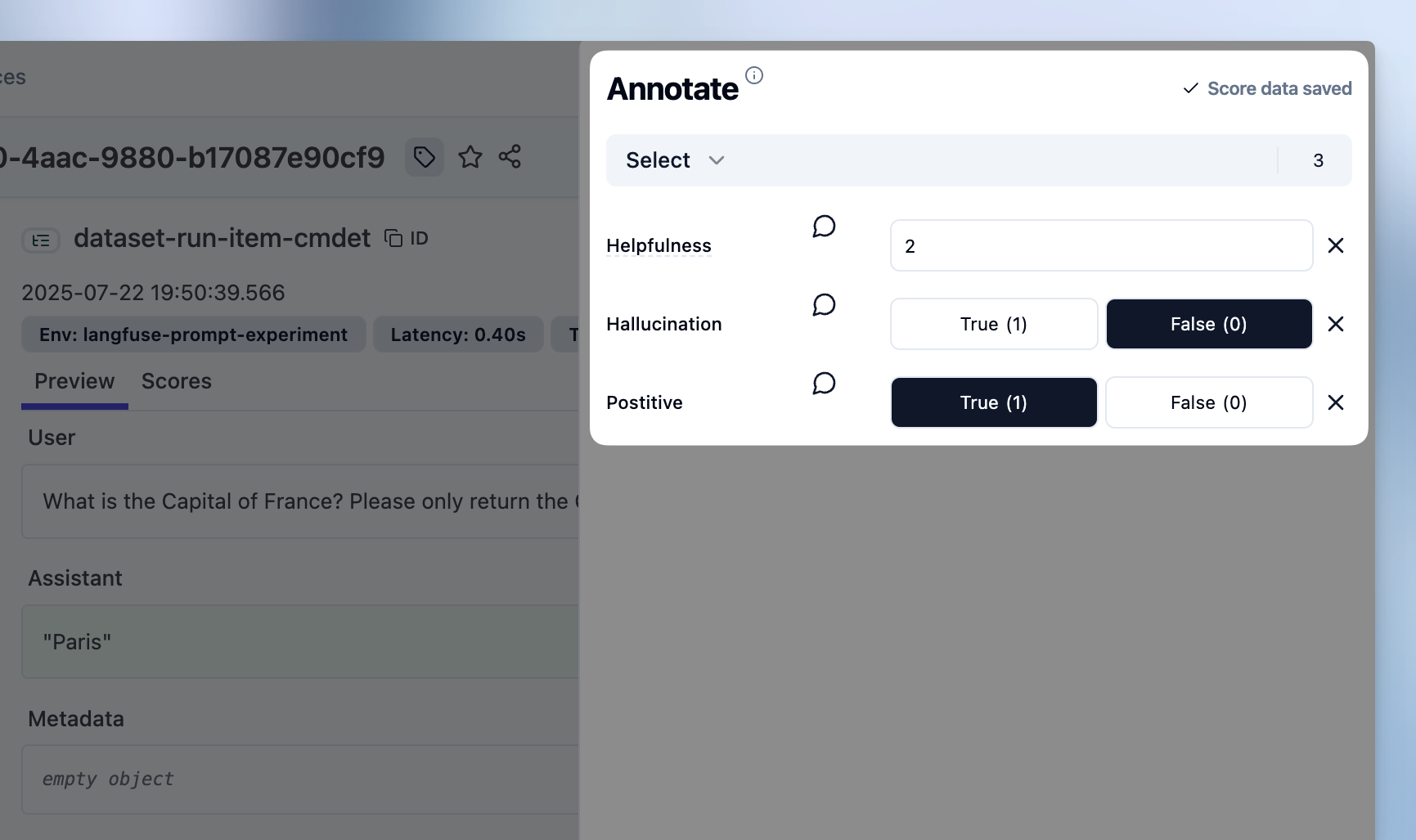
Set Score values
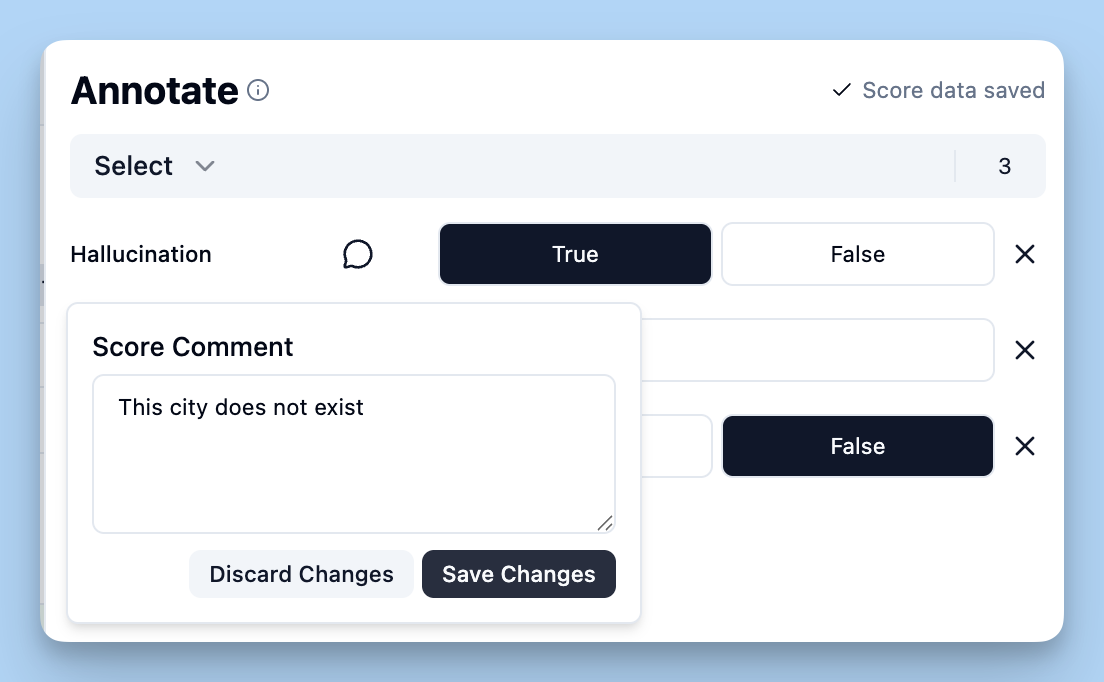
Add score comment (Optional)
See the Scores
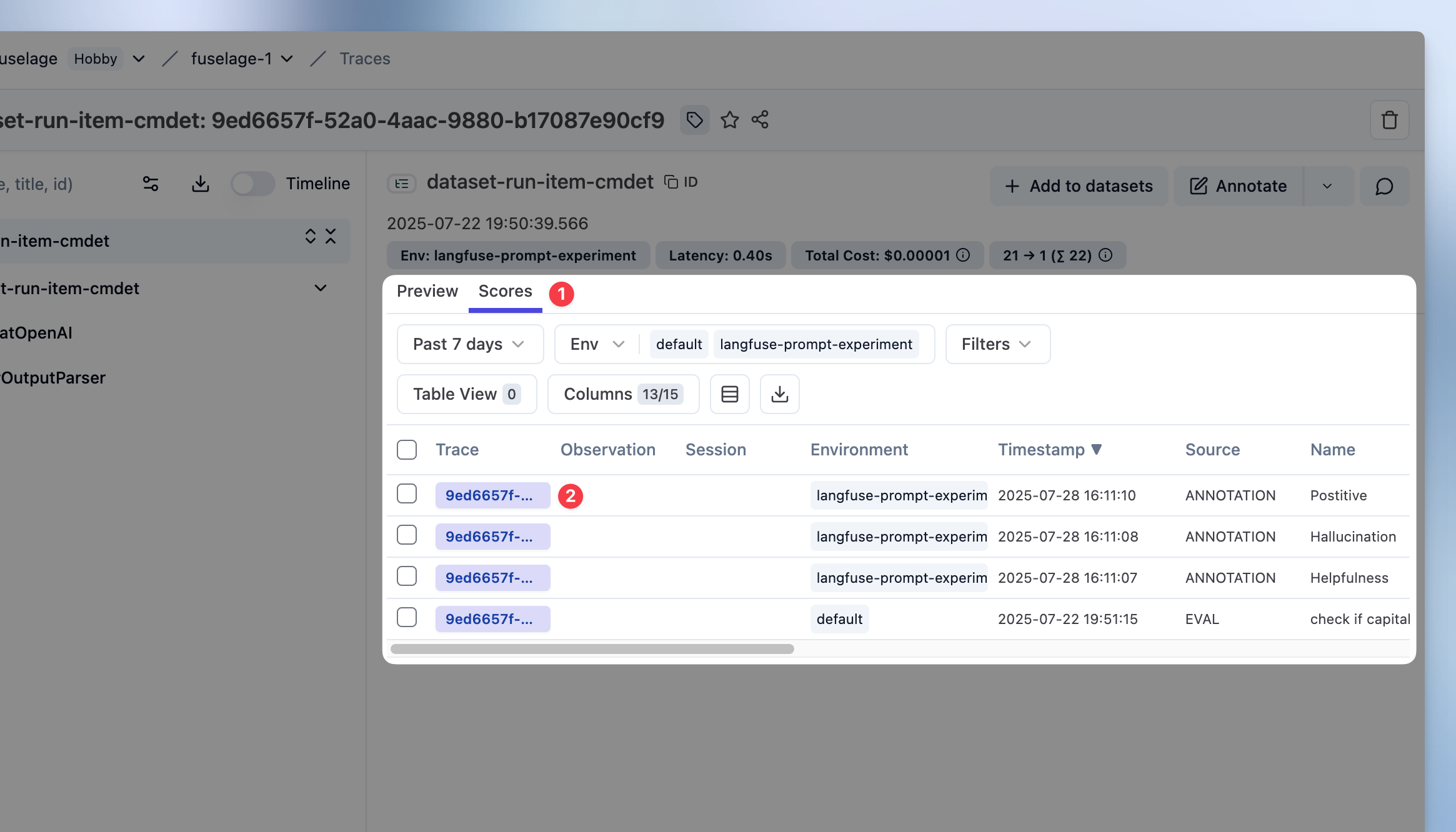
To see your newly added scores on traces or observations, click on the Scores tab on the trace or observation detail view.
Add scores to experiments
When running experiments via UI or via SDK, you can annotate results directly from the experiment compare view.
Note
Prerequisites:
- Set up score configurations for the dimensions you want to evaluate
- Execute an experiment via UI or SDK to generate results to review

The compare view maintains full experiment context: Inputs, outputs, and automated scores, while you review each item. Summary metrics update as you add annotation scores, allowing you to track progress across the experiment.