本页还没有译文
本页 16 段还没译成한국어,下面显示的是英文原文。Connecting with Beekeeper Studio
还没翻译译自英文(supabase.com)本页 16 段都还没译
Beekeeper Studio Community is a free GUI tool for interacting with databases.
-
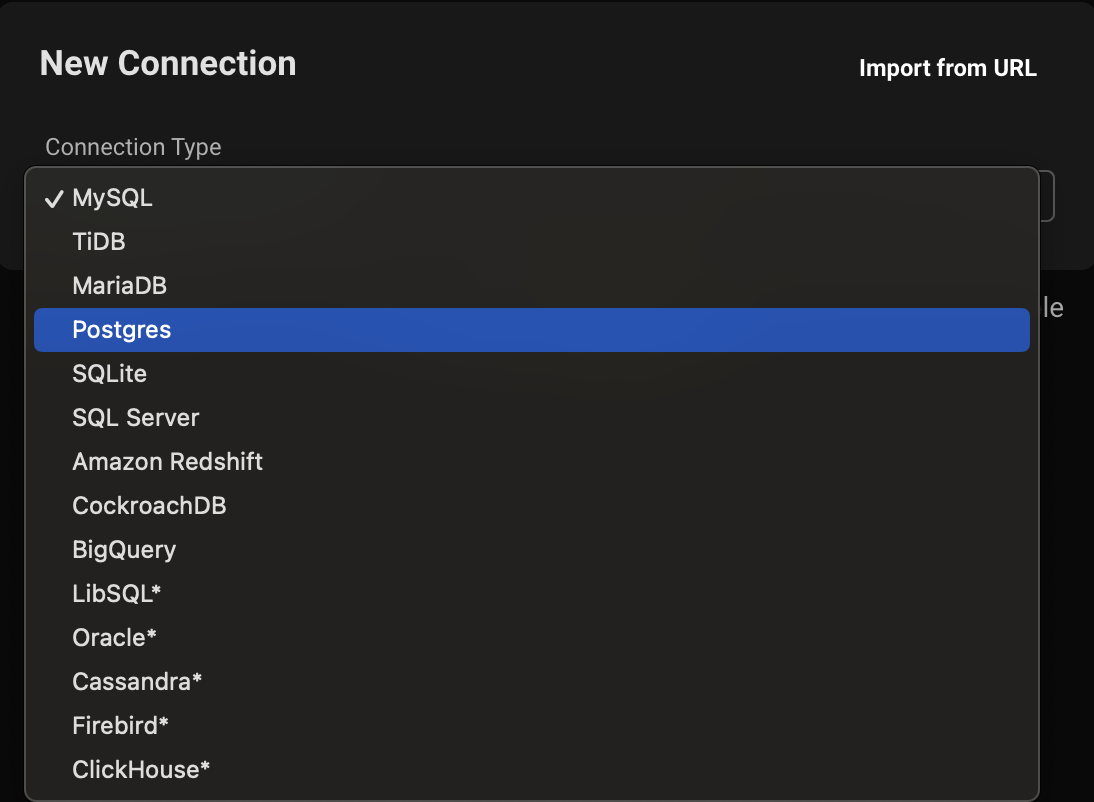
Create a new connection
In Beekeeper, create a new Postgres connection.
-
Get your connection credentials
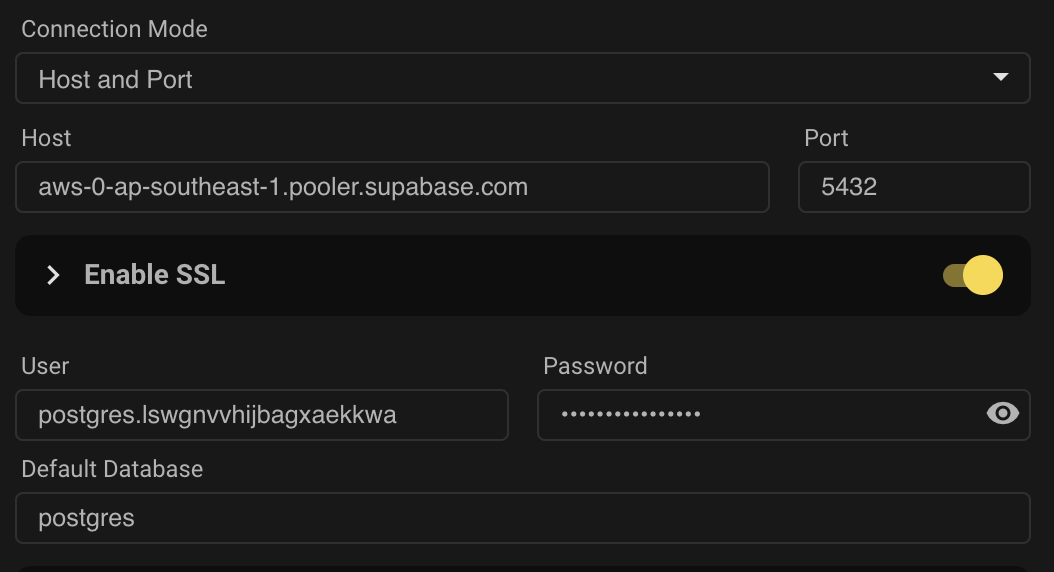
Get your connection credentials from the Connect panel. You will need:
- host
- username
- password
- port
Add your credentials to Beekeeper's connection form
-
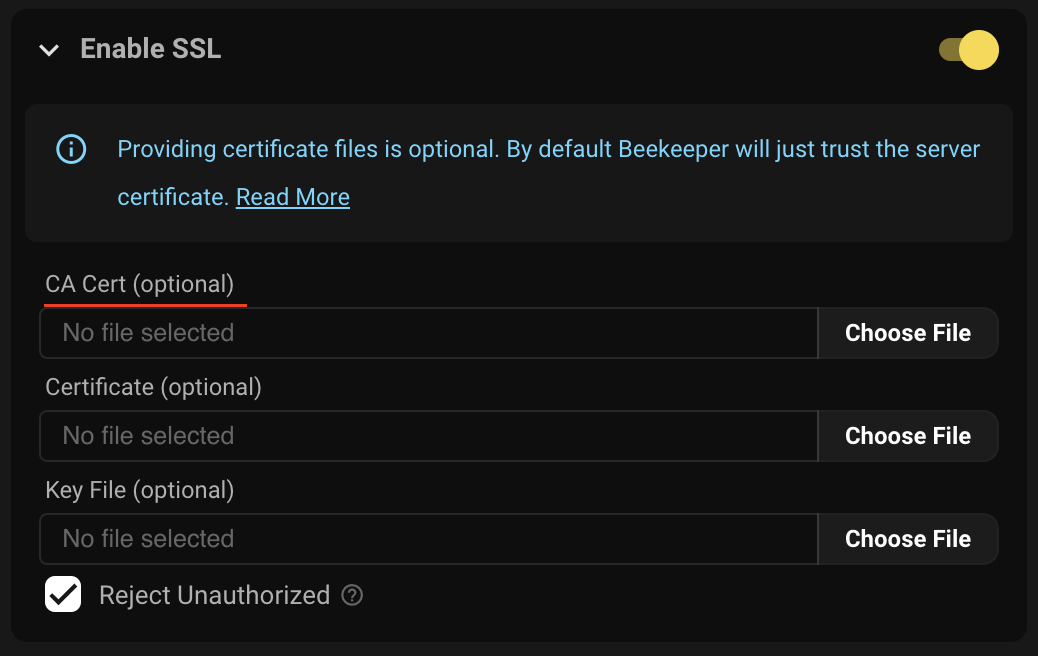
Download your SSL Certificate
Download your SSL certificate from the Dashboard's
Database Settings
Add your SSL to the connection form
-
Test and connect
Test your connection and then connect

AI 翻译查看英文原文