本页还没有译文
本页 18 段还没译成日本語,下面显示的是英文原文。Onyx
还没翻译译自英文(docs.ollama.com)本页 18 段都还没译
Overview
Onyx is a self-hostable Chat UI that integrates with all Ollama models. Features include:
- Creating custom Agents
- Web search
- Deep Research
- RAG over uploaded documents and connected apps
- Connectors to applications like Google Drive, Email, Slack, etc.
- MCP and OpenAPI Actions support
- Image generation
- User/Groups management, RBAC, SSO, etc.
Onyx can be deployed for single users or large organizations.
Install Onyx
Deploy Onyx with the quickstart guide.
Info
Resourcing/scaling docs here.
Usage with Ollama
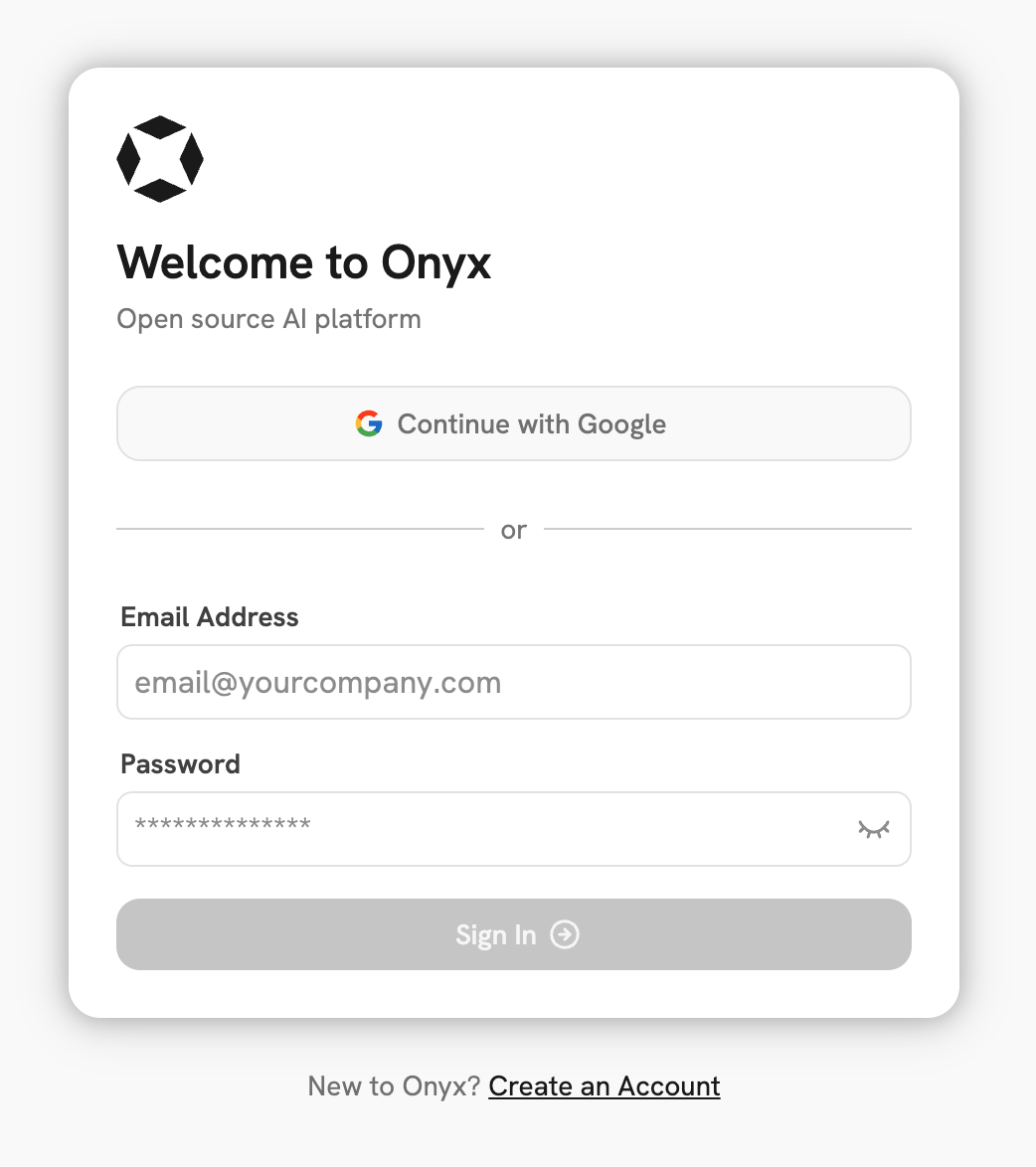
- Login to your Onyx deployment (create an account first).
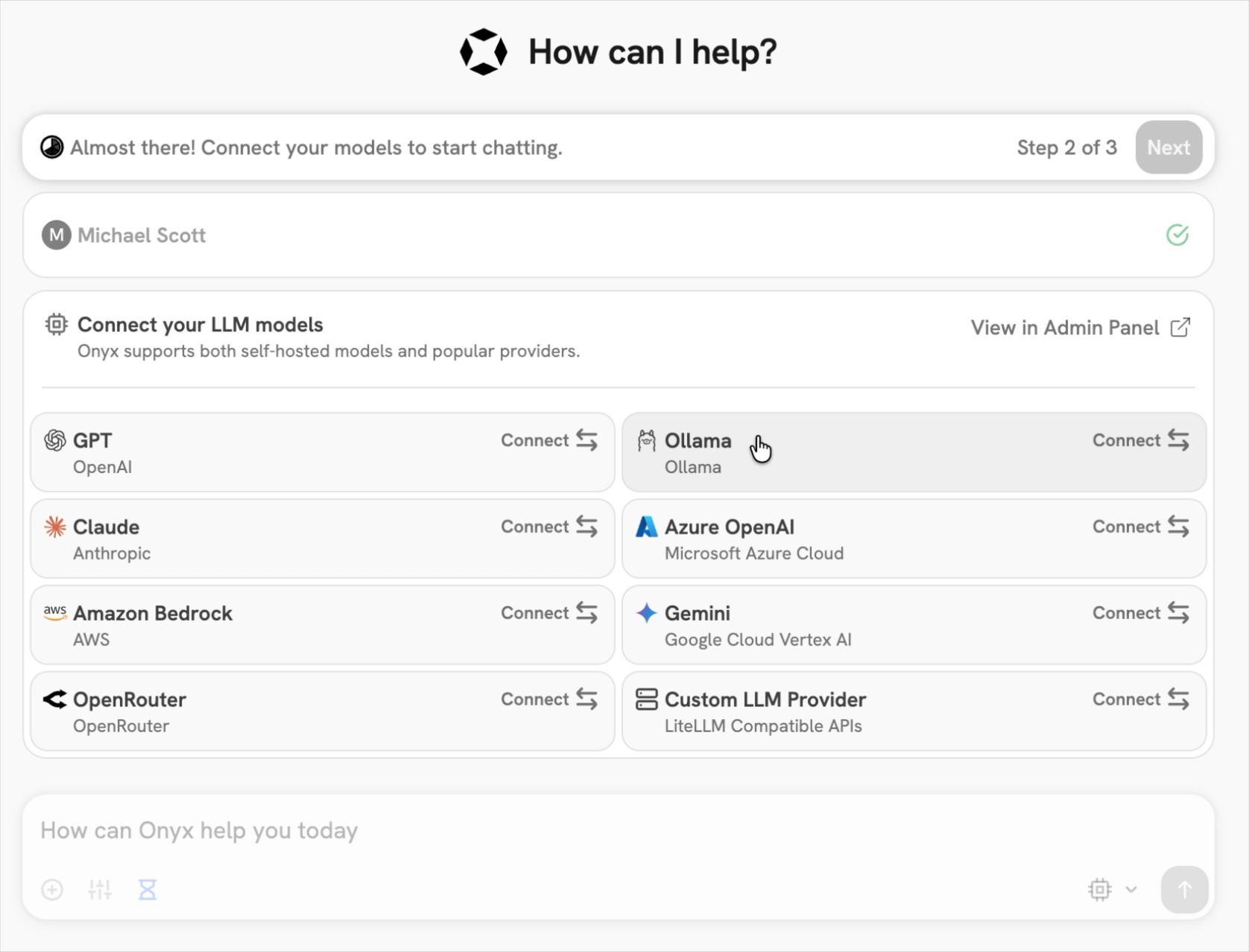
- In the set-up process select
Ollamaas the LLM provider.
- Provide your Ollama API URL and select your models.
Note
If you're running Onyx in Docker, to access your computer's local network use
http://host.docker.internalinstead ofhttp://127.0.0.1.
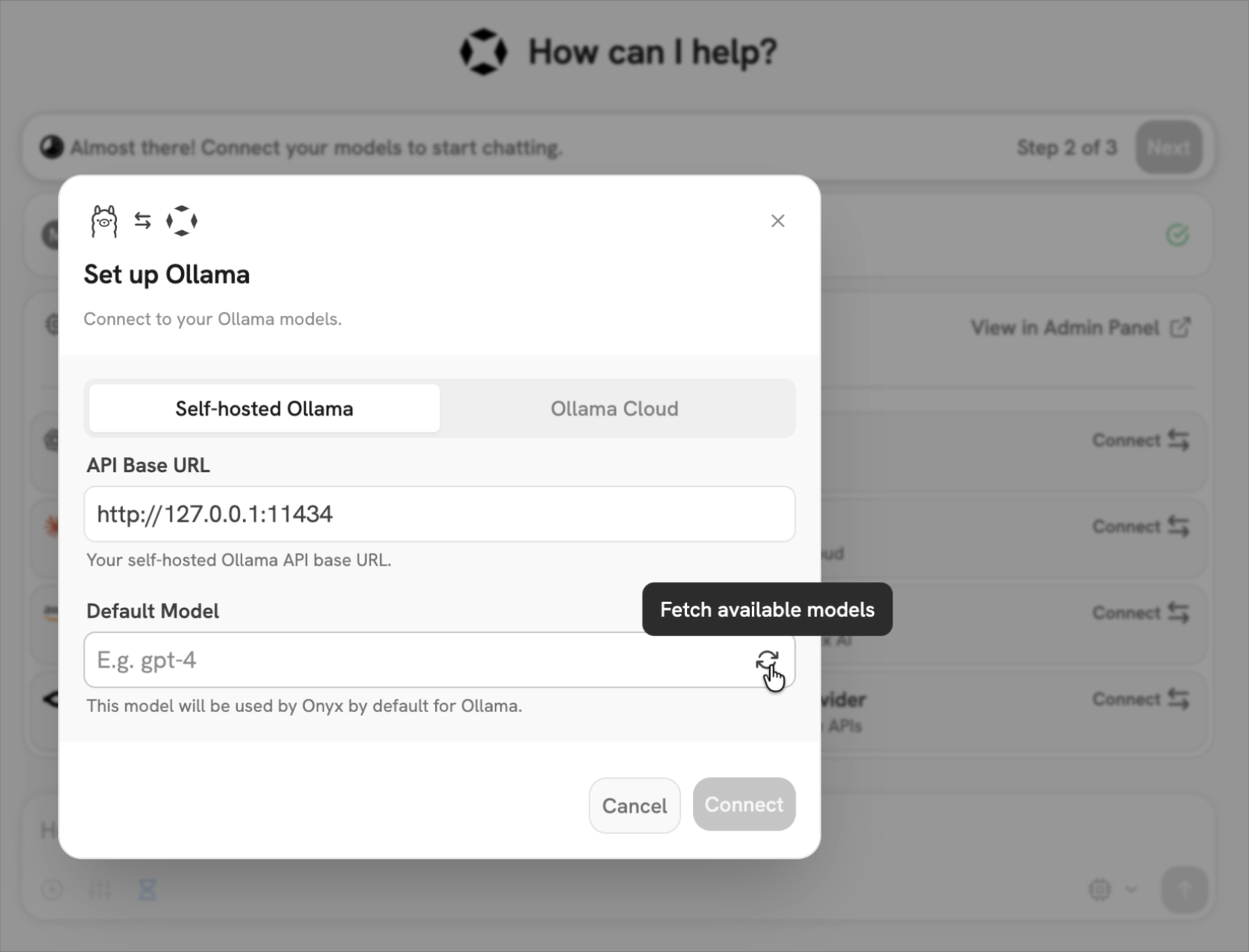
You can also connect Onyx Cloud to Ollama's cloud from the setup flow.
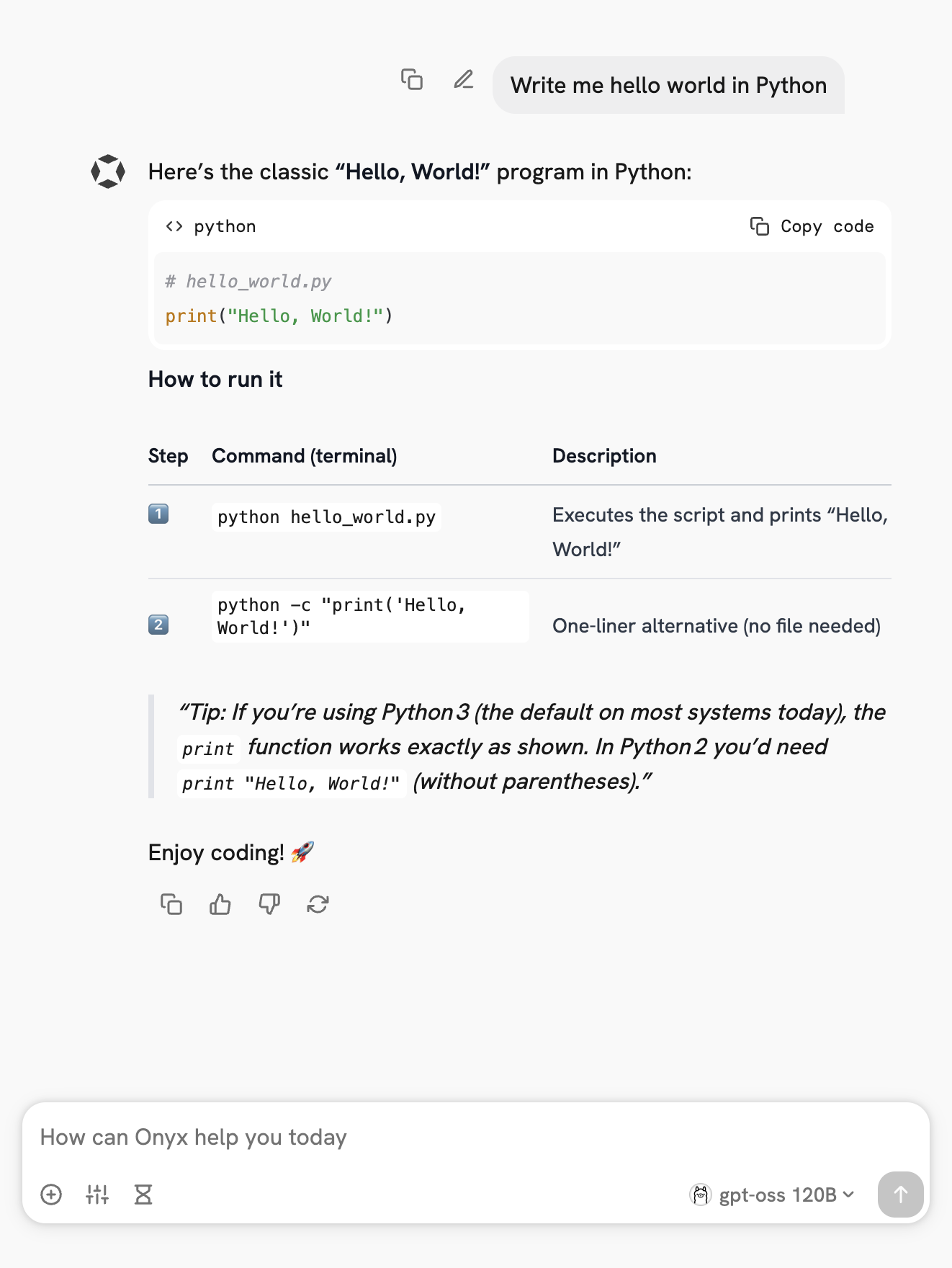
Send your first query
AI 翻译查看英文原文