本页还没有译文
本页 14 段还没译成Español,下面显示的是英文原文。Registering Your App
还没翻译译自英文(docs.alpaca.markets)本页 14 段都还没译
Before integrating with Alpaca, you’ll need to create a new OAuth application from your Alpaca Connect Apps page.
You can access the Alpaca Connect page through your dashboard after logging into your Alpaca brokerage account
1. Visit Alpaca Connect on the Dashboard
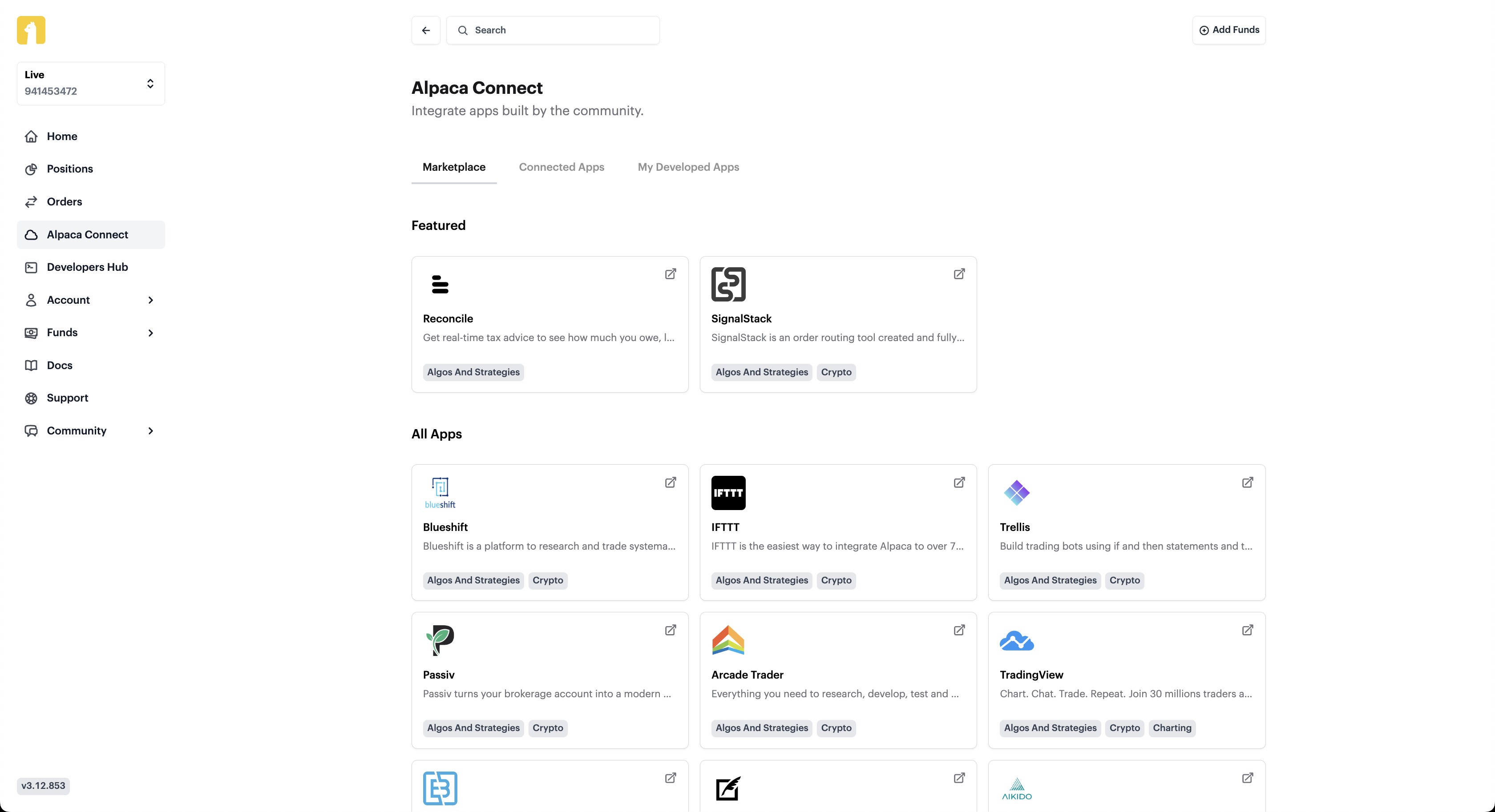
2. Navigate to My Developed Apps Tab
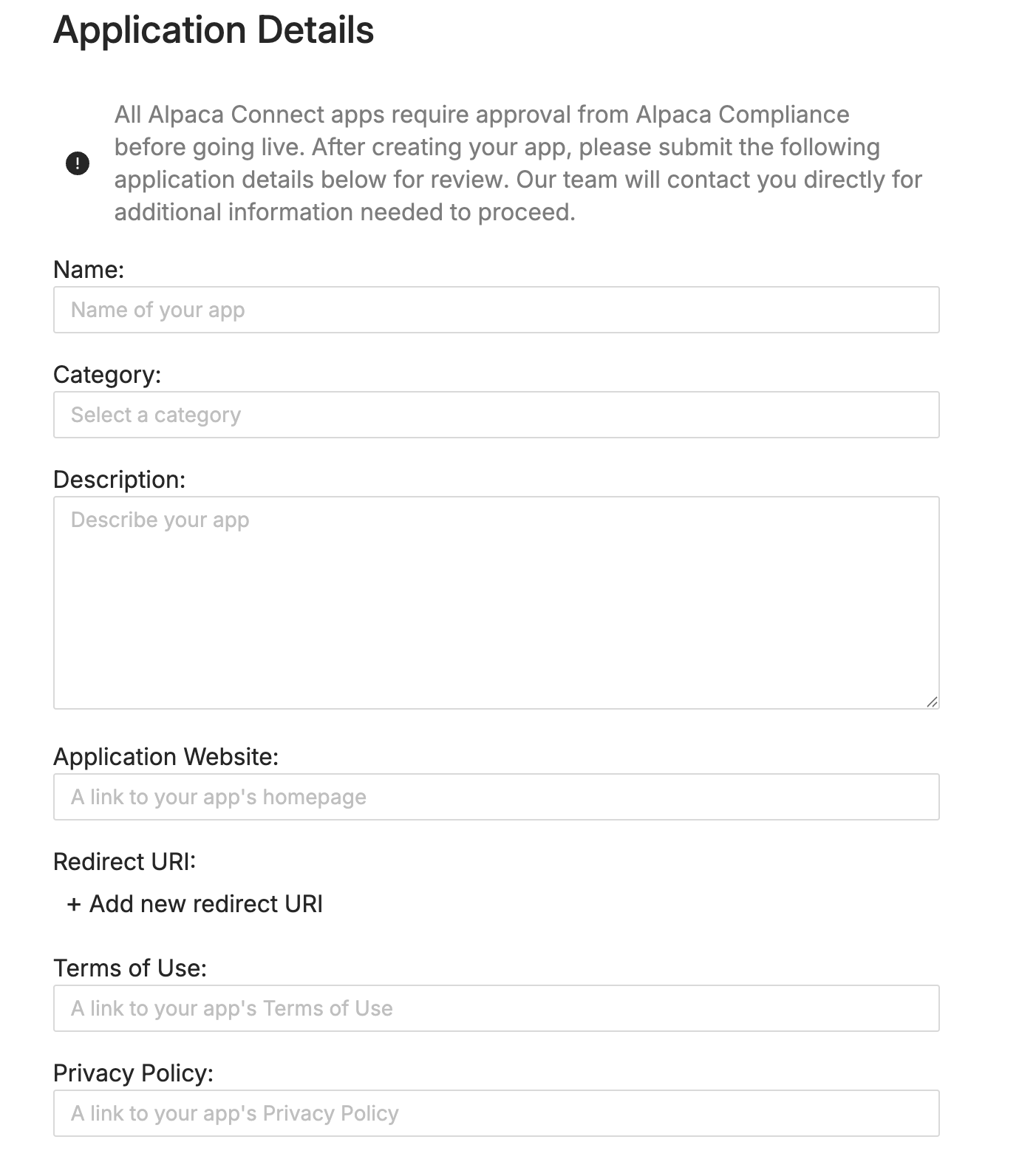
3. Click on Submit Your App and Fill in the Details
Please complete the Alpaca Connect Application for our team to review.
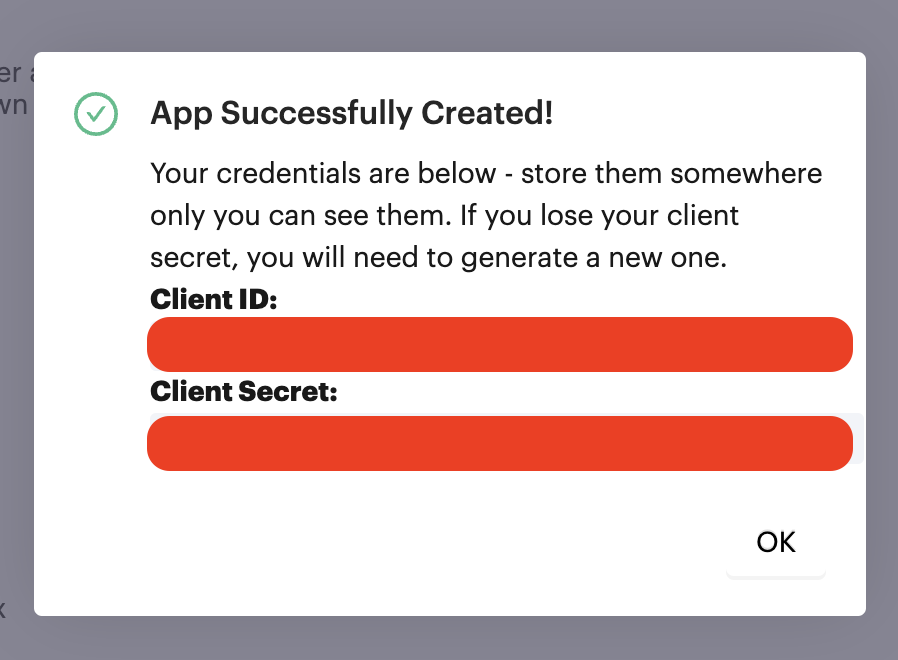
3. Obtain Your Credentials
Once you add your relevant information and create the app, you will receive your Client ID and Client Secret. Please be sure to safely store this.
4. Application Review
Once your application has been submitted, our team will follow up with you shortly via email to complete the remaining process.
AI 翻译查看英文原文